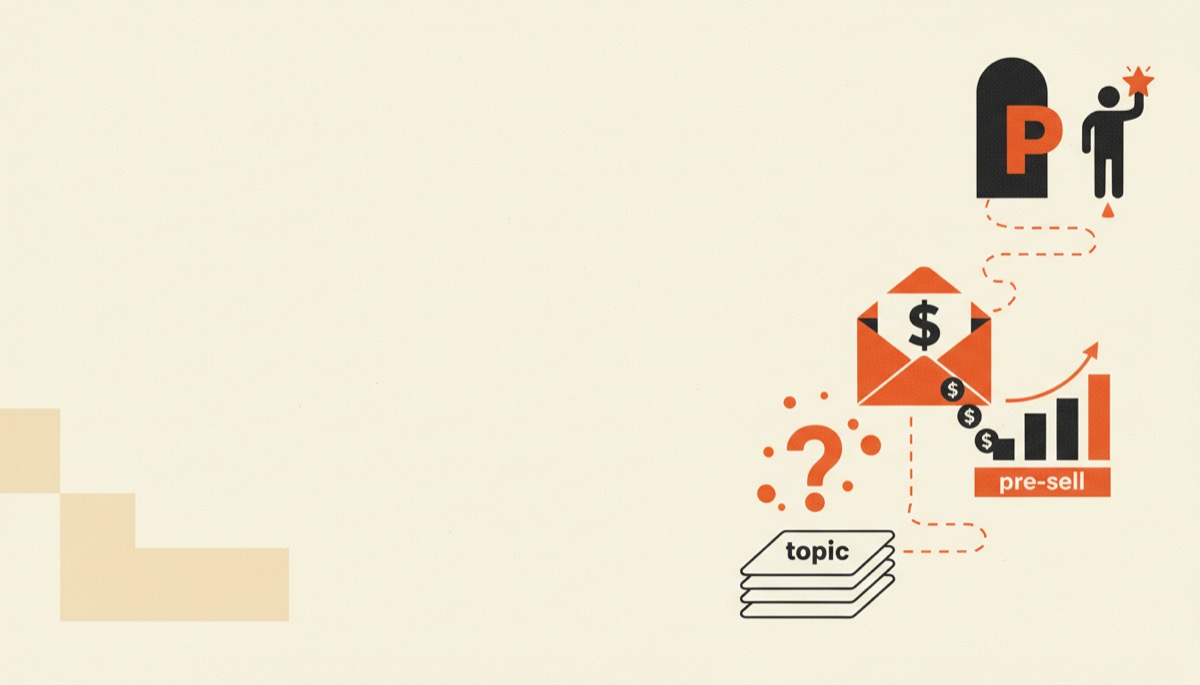
How to Sell Digital Templates Online
Sell digital templates online step by step: what sells, how to build Notion and Canva files, checkout options, automatic delivery and Pinterest traffic.
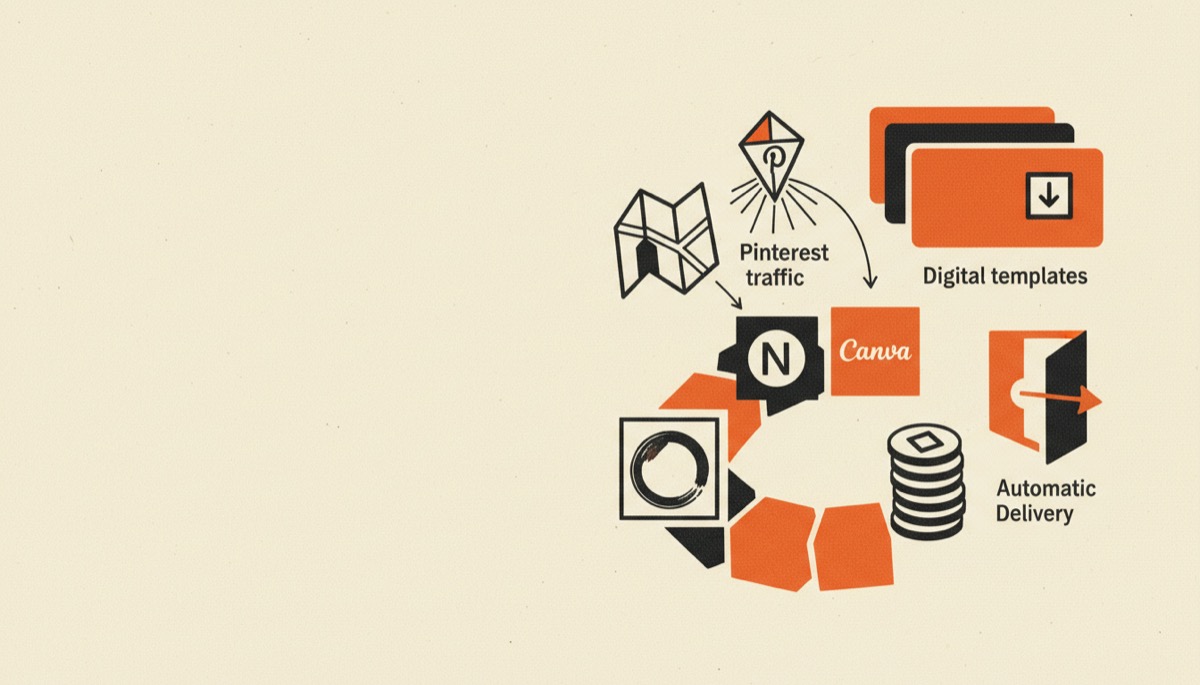
To sell digital templates online you need three pieces: the template file, a checkout that takes card payments, and automatic delivery after purchase. You can assemble all three for free and pay nothing until you make a sale. The real work is choosing a template that solves one specific, annoying problem, and then getting it in front of people who have that problem.
Bottom line:
- Templates sell on specificity. “Freelance invoice tracker for designers” outsells “business spreadsheet.”
- Systeme.io has a genuine free plan, which makes it the cheapest way to get a working checkout live.
- Pinterest is the highest-return traffic channel for templates, because templates are visual and Pinterest users are planning purchases.
What kinds of templates actually sell
Three formats dominate, and each has a different buyer.
Notion templates. Dashboards, CRMs, content calendars, habit trackers, second-brain systems. Buyers are already inside Notion and want a structure instead of a blank page. Delivery is a duplicate link — the simplest fulfillment in this category.
Canva templates. Pin packs, Instagram carousels, lead magnet layouts, ebook interiors, presentation decks, printables. Buyers are creators and small business owners who need something that looks designed without hiring a designer. Delivery is a Canva template link.
Spreadsheet templates. Budgets, profit-and-loss trackers, inventory sheets, freelance rate calculators, content planners. Buyers usually want the formulas, not the formatting. Delivery is a Google Sheets copy link or an .xlsx download.
What these have in common: the buyer is mid-task and stuck. They are not shopping for inspiration. They opened a tab to solve something today. Price and beauty matter less than whether the description makes it obvious the file solves their exact problem.
Step 1: Narrow the problem until it sounds too small
A budget spreadsheet is a commodity. A “variable-income budget for freelancers who get paid irregularly” is a product.
Three ways to find the narrow version:
- Search the marketplaces and read the reviews, not the listings. Reviews tell you what buyers wished the template did. Build that.
- Watch communities in your niche. Every time someone posts “does anyone have a system for X,” that is a template request.
- Productize your own workflow. If you already track something in a way people ask about, that is the template. This is the shortest path from zero to a first product.
Then write the title as an outcome plus an audience. “Client Onboarding System for Freelance Designers.” Not “Ultimate Notion Dashboard.”
Step 2: Build the file so it survives contact with a stranger
Your buyer opens the template with none of your context. Most refund requests come from confusion, not defects.
Build these in from the start:
- A start-here page or tab. Three to five numbered steps, in plain language, at the very top.
- Sample data that looks real, clearly marked as deletable. An empty template looks broken; a full one looks like work.
- Protection where it matters. Lock formula cells in spreadsheets. Buyers overwrite formulas and blame the file.
- A short video walkthrough. Two or three minutes, unlisted, linked from inside the template. This cuts support questions more than any written documentation.
For the design side, Canva is the practical tool. Pro runs around $15–$18/month depending on billing cycle and adds the brand kit, background remover and the larger asset library. One important caveat: Canva’s content license restricts reselling its stock assets as standalone files. Before you package anything, read Canva’s current license terms and build templates from your own assets or from elements permitted for template sharing.
Version your files. When you improve the template, everyone who bought it should get the update — that is the cheapest goodwill in this business.
Step 3: Pick a checkout and delivery setup
This is where people stall, usually by overbuilding. You need a page that takes a card and an email that sends the file. That is it.
| Systeme.io | Podia | ThriveCart | |
|---|---|---|---|
| Pricing model | Free plan, then paid tiers | Subscription, no free plan | Historically a one-time lifetime license, with subscription plans also available |
| Free option | Yes — a real free plan, not a trial | 30-day trial only | No |
| Best for | Starting at zero cost with funnels and email included | A polished storefront for several products | High-volume sellers who want to stop paying monthly |
| Includes email marketing | Yes | Yes | No — connects to your email tool |
| Standout feature | Funnels, courses, email and checkout in one free account | Clean storefront, community and coaching in one place | Bump offers, one-click upsells, affiliate center |
| Weakest point | Design flexibility is limited | No free tier to test a first product on | Upfront cost, and pricing terms have changed |
Verify current pricing on each provider’s own pricing page before committing — all three have restructured plans more than once.
If you are starting from zero, use Systeme.io. The free plan genuinely includes a checkout, a sales page, an email list and automation, which means you can validate a template with real money before spending any. Our Systeme.io review covers where the free plan runs out.
If you want a more polished storefront across several templates plus a community, Podia is the tidier product. There is no free plan, so you are committing to a subscription during the trial window.
If you sell at volume and hate subscriptions, ThriveCart is a checkout specialist. Bump offers and one-click upsells raise average order value meaningfully on cheap products, which is exactly the problem template sellers have. Details in our ThriveCart review.
For delivery, do not email files manually. Every option above sends the download or the template link automatically on payment. For Notion and Canva products, deliver a link, not a file — and put the link inside a short page or PDF you control, so you can update it without re-issuing anything.
Step 4: Price it properly
Most template sellers price too low, then conclude templates do not sell.
- $9–$19 for a single-purpose file. Low friction, high volume, almost no support burden.
- $29–$49 for a system — several linked files, a walkthrough video, a setup guide. This is the best band for most sellers.
- $79–$149 for a full toolkit aimed at a business outcome, ideally with a light support or update promise.
Raise it by bundling, not by inflating. Three related templates plus a video and a checklist justify $49 in a way that one Notion page never will.
Then add an upsell at checkout. A $12 template with a $24 bump offer routinely outperforms a $29 product, because the buyer has already decided to pay.
Step 5: Send it Pinterest traffic
Templates are unusually well suited to Pinterest: the product is visual, the audience is planning something, and pins keep delivering clicks for months rather than hours.
The essentials:
- Pins at 1000 x 1500 px with the promise in large text across the top third. Readable at thumbnail size or it does not exist.
- Show the template itself — a mockup on a laptop or tablet beats an abstract lifestyle image, because it tells the buyer what they get.
- Boards named after search terms, not your product line. “Freelance Business Tips,” not “My Shop.”
- Ten to twenty pin images per product over time. Fresh images pointing at the same URL is what Pinterest rewards.
Point most pins at a free mini-template that captures an email, not the sales page. Cold Pinterest traffic rarely buys on the first click, and the email list is the asset that makes the second and third product profitable. The full method is in our Pinterest marketing playbook.
Secondary channels worth the time: a marketplace listing for discovery, and short video showing the template in use. Skip paid ads until your conversion rate is known.
FAQ
Can I sell templates for free, with no monthly fees?
Yes, at the start. A free Systeme.io account gives you a checkout, a sales page and email delivery, and payment processors take their percentage only when you sell. You can validate a template with real buyers before paying for anything.
Is it legal to sell Canva templates?
It depends on what is in the file. Canva permits sharing designs as template links under its license, but reselling its stock photos, videos or elements as standalone assets is restricted. Read the current Canva license terms and build from assets you own where possible.
How many templates do I need to make real money?
One good template proves the concept; a line of three to five related ones makes it a business. Bundles and upsells within the same niche beat scattering single products across unrelated audiences.
How do I stop people from reselling my template?
You largely cannot, and chasing it wastes more time than it saves. What actually protects you is updates, support and community — things a copied file does not come with. Deliver by link so your live version stays the canonical one.
Start with one file this week
Pick the narrowest template you can describe in one sentence, build it in Canva or Notion with a start-here page, and put it behind a free Systeme.io checkout with automatic delivery.
Then make ten pins pointing at a free version of it. That is the whole loop — and the only part most people skip is the traffic.