How to Start a Paid Newsletter (Step-by-Step Guide)
How to start a paid newsletter: pick a niche people pay for, choose a platform, set pricing, find your first 100 readers, and convert them to paid.
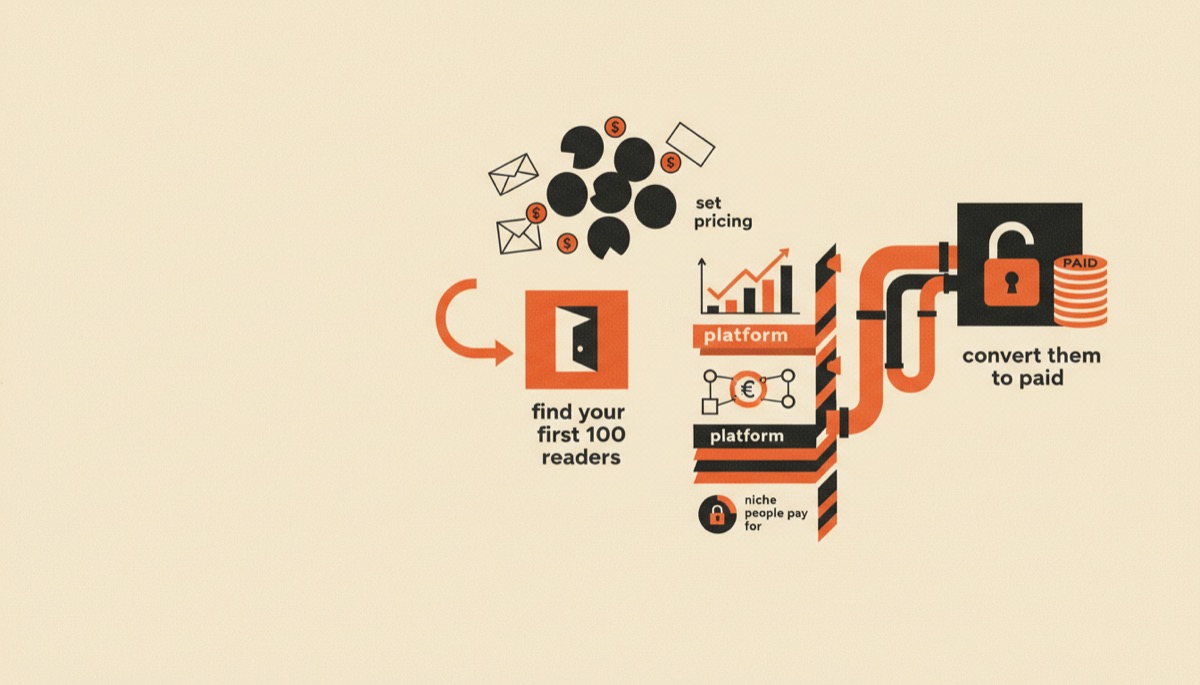
To start a paid newsletter you need four things in order: a niche where readers already spend money, a platform with a paywall, a free tier that earns trust, and a paid tier that saves someone time or makes them money. Most people get this backwards — they build the paywall first and then look for readers.
Bottom line:
- Publish free for 8–12 issues before you charge anything. You need proof people open it.
- Price at $8–$15/month or $80–$150/year for a consumer newsletter; go higher only if your reader expenses it.
- Your first 100 subscribers come from places you already have access to, not from SEO.
Step 1: Pick a niche that already has a budget
The test is not “is this interesting.” The test is: does my reader already pay for information in this area?
Niches that convert to paid reliably share one of three traits:
- Money on the line. Investing, real estate, freelancing rates, e-commerce margins, hiring. Readers compare your price to one good decision.
- Time on the line. Curated research for busy professionals — regulatory changes, tooling for a specific job, weekly deal flow.
- Access on the line. A specific community, a trade, a local market. Information that is genuinely hard to assemble from public sources.
Niches that struggle: general motivation, broad personal development, generic marketing tips, and anything a competent free newsletter already covers well.
Narrow beats broad at the paid tier. “Newsletter for marketers” is a hard sell. “Weekly teardown of DTC email flows with the numbers” is a $20/month product. You are not trying to reach everyone — a paid newsletter with 500 subscribers at $10/month is $60,000 a year.
Write your one-line promise before you write anything else: “Every Tuesday I send [specific thing] so that [specific reader] can [specific outcome].” If you cannot fill those blanks, the niche is not ready.
Step 2: Choose a platform that handles paid tiers natively
You need a paywall, a payments processor connection, subscriber tier management, and an archive. Do not build this yourself.
| beehiiv | Kit | |
|---|---|---|
| Pricing model | Free Launch plan, then Scale and Max tiers by subscriber count | Free Newsletter plan, then Creator and Pro tiers by subscriber count |
| Free plan | Free up to roughly 2,500 subscribers with the publishing features intact | High subscriber ceiling (commonly cited around 10,000) but roughly one form, one automation, Kit branding |
| Paid subscriptions | Built in on paid tiers; beehiiv takes 0% platform cut, you pay Stripe processing | Kit Commerce handles paid subscriptions and products with a platform fee plus processing |
| Best for | Newsletter-as-the-product, sponsors, referral growth | Newsletter as the front end for courses, templates, coaching |
| Standout feature | Ad network, boosts, referral program, hosted publication website | Visual automation builder with tag-based segmentation |
| Weakest point | Automation is thinner than a dedicated ESP | No native ad marketplace or publication site |
For a newsletter where subscriptions are the revenue, beehiiv is the straighter path — the paywall, the site, the referral engine and the sponsor marketplace are all in the box, and it does not take a cut of your subscription revenue.
For a newsletter that feeds a course or template business, Kit wins on automation, because you will be tagging buyers and branching sequences constantly. We go deeper on that tradeoff in Kit vs beehiiv.
Pricing on both moves. Confirm current tiers on their pricing pages before you budget.
Step 3: Set your pricing before you launch, not after
Three numbers to decide:
Monthly price. For a consumer or prosumer audience, $8–$15/month is the sweet spot. Below $5 you signal low value and the processing fees eat a real share. Above $25/month you need a reader who expenses it or a very specific financial payoff.
Annual price. Price the year at 8–10 months of the monthly rate. Annual plans cut churn dramatically and hand you cash up front. A meaningful share of paid subscribers take annual when it is the visible default.
Founding member tier. A higher one-time or annual tier ($150–$300) for early believers, with something extra attached: a call, a Discord, a back-catalog bundle. This is how you get your first paid revenue before the audience justifies it.
Do not launch with a discount. A launch discount teaches your list to wait for discounts and anchors the value low. Launch with a founding tier instead — same effect on urgency, opposite effect on perceived value.
Step 4: Get your first 100 subscribers
None of this is scalable and all of it works. Scalable growth comes after 1,000.
Mine your existing access. Your email contacts, the Slack and Discord servers you are already active in, your LinkedIn or X following, past clients. Send individual messages, not a broadcast. Twenty personal notes beat one announcement post.
Post where your reader already argues. Subreddits, niche forums, industry Slacks, Hacker News, LinkedIn comment sections. Publish the substance of one issue as a post, then link the newsletter in a reply or your bio. Give away the insight; the subscription is for the next one.
Write a public teardown. Pick a company, product, or dataset your niche cares about and analyze it properly. Specific and useful travels far further than general and polished.
Ask for referrals mechanically. Put a referral reward in the footer from issue one — refer 3, get the archive pack; refer 10, get a call. beehiiv has this native; on other platforms you bolt it on.
Swap recommendations. Find five newsletters at roughly your size in an adjacent niche and trade a mention. This is the highest-yield growth move available to a small newsletter, and it costs nothing.
Do not buy ads yet. At under 1,000 subscribers you do not know your retention or your conversion rate, so you cannot tell whether an ad worked.
Step 5: Convert free readers to paid
Publish free consistently for 8–12 issues before the paywall appears. You are establishing two facts: you show up, and the writing is worth the open.
Then choose a paywall model:
The split issue. Free readers get the first half — the news, the summary. Paid readers get the analysis, the numbers, the actionable part. Everyone sees the cut line every week, which makes the value obvious and keeps reminding them.
The extra issue. Free gets Tuesday. Paid gets Tuesday plus Friday’s deep dive. Cleanest to execute, easiest for readers to understand.
The archive and the tools. Free readers get the current issue. Paid get the searchable back catalog, the database, the templates, the spreadsheet. Strong when your value compounds.
The community. Paid includes a private channel or monthly call. Raises the price ceiling, raises your workload — pick this deliberately.
Whichever you choose, keep two rules. Ask in every issue, in the same place, in one sentence — not a hard pitch. And make the paid thing genuinely different, not the same content with more words.
Expect 2–5% of an engaged free list to convert to paid. At 3% and $10/month, a 3,000-subscriber list is about $900/month. That is why list growth and conversion are the same project.
Step 6: Watch three numbers, ignore the rest
- Open rate. Below 30% and something is wrong with your list quality or your subject lines. Fix this before optimizing anything else.
- Free-to-paid conversion rate. Track it monthly. Moving 2% to 4% doubles revenue without a single new subscriber.
- Churn. Under 5% monthly is healthy for a paid newsletter. Above 8% means the paid tier is not delivering what the pitch promised.
Subscriber count is a vanity metric on its own. Engaged subscribers times conversion times price is the business.
FAQ
How many subscribers do I need before charging?
Around 1,000 engaged free subscribers is a comfortable floor, but the real threshold is engagement, not size. A 400-person list with a 55% open rate converts better than a 4,000-person list at 12%. If people reply to your issues, you can charge.
Should the free version stay, or go all-paid?
Keep the free tier. It is your entire acquisition channel — free readers are how you get found, shared, and recommended, and how sponsors value you. All-paid newsletters grow only by word of mouth, which is slow unless you arrive with an audience.
Do I need an LLC or a business entity to charge?
You can accept payments as a sole proprietor in most of the US, but check your state’s rules and talk to a CPA once revenue is real. Stripe will need tax details either way, and your platform will report earnings.
What if I run out of things to write about?
You picked too narrow a format, not too narrow a niche. Rotate structures: the teardown, the interview, the data drop, the reader question, the roundup with commentary. Same niche, five different weeks.
Start this week
Pick the niche, write the one-line promise, and set up the platform today. If subscriptions are the business, start on beehiiv’s free plan — you get the publication, the paywall path, and the referral engine without paying until you have readers. If the newsletter is the front door to a course or template shop, start on Kit’s free plan and build the automation as you grow.
Then publish issue one. Nobody has ever grown a newsletter they did not send.
Tools mentioned in this article
Kit (formerly ConvertKit)
Email marketing built for creators
email newslettersTry Kit (formerly ConvertKit)Keep reading
beehiiv Review: The Best Platform for Paid Newsletters
An honest beehiiv review for US creators: the free plan, the ad network, boosts, 0% on paid subs, and the places beehiiv still falls short.
Best Newsletter Platforms for Creators, Compared
The best newsletter platforms picked by use case: free start, paid subscriptions, selling products, and scaling a list without wrecking your margins.
Kit Review: The Email Tool Built for Selling Things
An honest Kit review for creators: the 10k free plan and its gates, visual automations, the Creator Network, commerce fees, and who should skip Kit.
Kit vs beehiiv: Which Email Platform Should You Use?
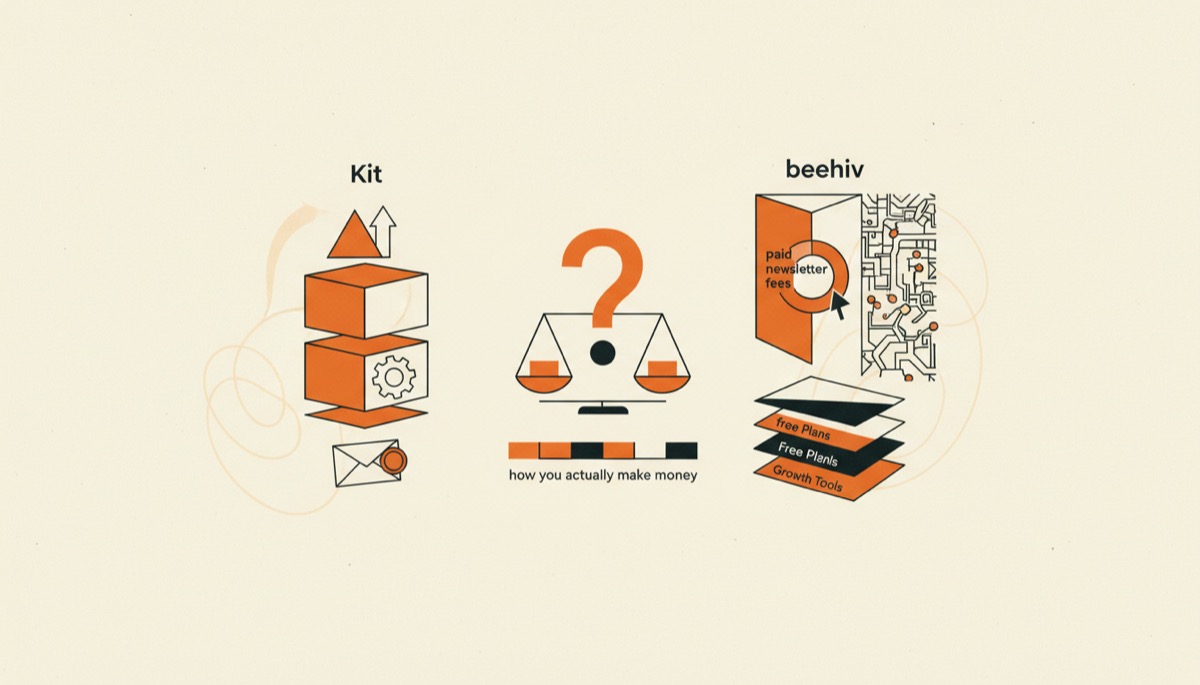
Kit vs beehiiv compared for creators: free plans, paid newsletter fees, automation depth, growth tools, and which one fits how you actually make money.