Kit Review: The Email Tool Built for Selling Things
An honest Kit review for creators: the 10k free plan and its gates, visual automations, the Creator Network, commerce fees, and who should skip Kit.
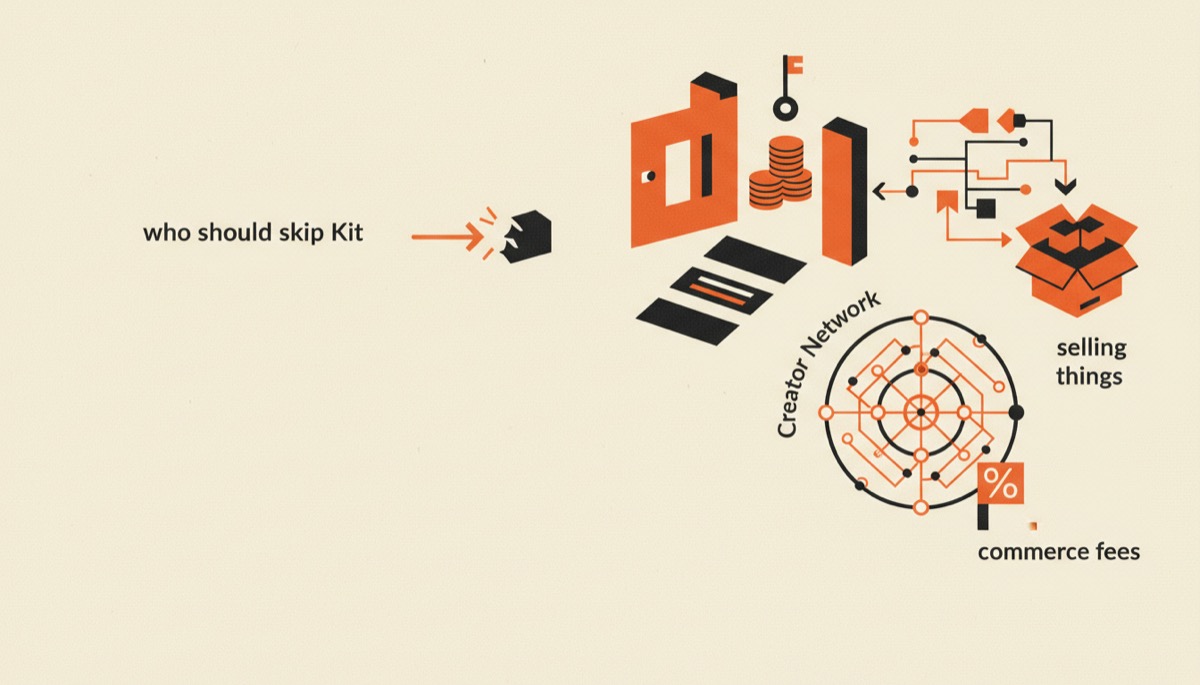
Kit, formerly ConvertKit, is the right email platform when your list exists to sell something — a course, a template pack, coaching, a cohort. Its visual automation builder and tag-based segmentation are the best in the creator tier, and the free plan carries a list to roughly 10,000 subscribers. The catch is that the free plan is deliberately limited to about one form, one landing page, and one automation, and paid pricing has climbed.
Bottom line:
- Best for: creators selling digital products where email drives the sale.
- Free to roughly 10,000 subscribers with unlimited sends, but heavily feature-gated.
- Weak spot: price at scale, and it is not a publishing platform.
The free plan, honestly
Kit’s free Newsletter plan has the highest subscriber ceiling in its class — the published figure is 10,000 — with unlimited email sends. That is real, and it is why so many creators start here.
The gates are where the honesty is required. On free you get roughly one form, one landing page, one automation, Kit branding on your emails, and no third-party integrations. Visual automations, the sequence builder, and integrations open up on paid.
So the free plan is enough to build a list. It is not enough to run a launch. The moment you want a second lead magnet with its own follow-up sequence, you are upgrading. Treat free as a long runway, not a destination. Start on Kit’s free plan if you are pre-product and collecting emails with one opt-in.
Pricing
Paid tiers scale with subscriber count. Creator starts around $39/month at 1,000 subscribers (roughly $33 on annual billing), climbing to around $59 at 3,000 and around $89 at 5,000. Creator Pro starts around $79/month at 1,000 and adds a newsletter referral system, deliverability reporting, a subscriber engagement score, and unlimited team members.
Prices rose substantially in a past pricing cycle, and Kit is no longer the cheap option. Confirm current tiers on the Kit pricing page before you commit to an annual plan.
The honest read on value: you are paying for automation, not for sending. If you never build a branching sequence, you are overpaying, and a cheaper sender would serve you better.
Automations: the actual reason to use Kit
This is where Kit earns its price and it is not close among creator-focused tools.
You get a visual builder with real branching: event triggers, tags, custom fields, link triggers, conditional paths, and time delays. The pattern that matters looks like this — someone opts in from a lead magnet, gets tagged by interest, enters a nurture sequence, receives a pitch, and if they buy they get tagged as a customer and pulled out of the remaining pitch emails automatically.
That last piece — suppression — is what separates a professional launch from an amateur one. Nobody who just paid you $497 should receive three more “last chance” emails. Kit makes that a two-click condition.
Tag-and-segment logic holds up as things get complicated: multiple products, overlapping audiences, waitlists, cart abandonment, re-engagement for people who stopped opening. If your business has more than one offer, you will use all of it.
Link triggers deserve a mention. “Click here if you are a beginner” tags the subscriber and routes them down a different path without a form. It is the cheapest segmentation you will ever implement.
The Creator Network
Kit’s Creator Network lets other creators recommend your newsletter at their signup confirmation step, and you recommend theirs. It is opt-in, and both sides see reporting on how many subscribers moved.
It works, and it is free growth. Two caveats. First, quality varies — recommended subscribers open at lower rates than people who found you deliberately, so watch engagement by source rather than celebrating list growth. Second, relevance is on you: accept recommendations only from newsletters whose readers would actually want yours, or you are importing churn.
Used with discipline it is one of the better acquisition channels available without spending money.
Commerce: good enough, not the point
Kit Commerce handles digital product checkout, paid newsletter subscriptions, tip jars, and paid recommendations directly from your emails and landing pages. No separate cart needed for a simple offer.
It charges a platform fee on sales on top of payment processing. For a $47 template pack that is fine. For a paid newsletter at scale, a platform that takes 0% of subscription revenue is the better economic choice — we compare that directly in Kit vs beehiiv.
For a real course you want a course platform doing delivery, drip, and student management, with Kit driving the sales. Our roundup of the best online course platforms covers the pairing.
Landing pages, forms, and deliverability
Forms are solid: inline, modal, slide-in, and standalone, with the templates you would expect. Landing pages are functional and fast to publish — enough for a lead magnet, not enough to replace a real sales page builder.
Deliverability is good and Creator Pro adds reporting on it, which is more useful than it sounds once your list passes a few thousand people and you want to know whether Gmail is quietly deprioritizing you.
The editor is intentionally plain. Kit’s design philosophy is that plain-text-looking email from a person outperforms a designed newsletter, and for creator audiences that is broadly right. If you want a magazine layout, you will find the editor restrictive.
Where Kit falls short
It is not a publishing platform. There is no real publication website, no SEO-indexed archive worth building on, no reader-facing home for your back issues. If the newsletter is the product, that absence is disqualifying.
Price at scale. Past 10,000 subscribers Kit is expensive relative to senders with similar deliverability. You are still paying the automation premium whether or not you use it.
The free plan’s single automation. One automation is genuinely limiting, not a nudge. Plan on upgrading the week you launch anything.
No built-in ad marketplace. Kit’s growth answer is recommendations and your own products. There is no sponsor brokerage.
Who should use Kit
- You sell a course, template pack, cohort, or coaching offer and email drives the sale.
- You run launches with segmentation: openers, clickers, cart abandoners, past buyers.
- You already host products elsewhere and want an email tool that integrates cleanly.
- You want a free plan that scales with your list while you finish the product.
If that is you, open a free Kit account and build one opt-in plus one welcome sequence before you touch anything else.
Who should skip it
- The newsletter is the business and you want paid tiers, a website, and sponsor revenue. Read how to start a paid newsletter first.
- You need one platform for course, checkout, and email — that is an all-in-one’s job.
- You send occasional updates with no funnel. You are buying capability you will not use.
FAQ
Is Kit free up to 10,000 subscribers?
Yes, with limits. The free Newsletter plan supports up to roughly 10,000 subscribers and unlimited sends, but restricts you to about one form, one landing page, and one automation, with Kit branding on emails and no third-party integrations.
Is Kit the same as ConvertKit?
Yes. ConvertKit rebranded to Kit. Same company, same product lineage, same subscriber data — the name changed and the feature set kept evolving. Older reviews referring to ConvertKit describe the same platform.
Can I sell a course directly through Kit?
You can sell access and take payment through Kit Commerce, but Kit does not host lessons, track progress, or manage students. Most creators pair Kit with a course platform: Kit handles the list and the launch, the course platform handles delivery.
How hard is it to migrate to Kit?
Subscribers and tags import by CSV, and Kit offers migration assistance from major platforms. Automations, forms, and landing pages have to be rebuilt by hand, so move before your sequences get complicated rather than after.
Verdict
Kit is the best automation engine in the creator email tier, and that is the whole reason to buy it. If your revenue comes from products you sell to a list, the branching logic, tagging, and suppression will make you more money than the subscription costs.
If your revenue comes from the newsletter itself, Kit is the wrong shape and a publishing platform will serve you better.
Selling something? Start with Kit free, build one opt-in and one welcome sequence this week, and upgrade the day you need a second automation.
Tools mentioned in this article
Kit (formerly ConvertKit)
Email marketing built for creators
email newslettersTry Kit (formerly ConvertKit)Keep reading
beehiiv Review: The Best Platform for Paid Newsletters
An honest beehiiv review for US creators: the free plan, the ad network, boosts, 0% on paid subs, and the places beehiiv still falls short.
Best Newsletter Platforms for Creators, Compared
The best newsletter platforms picked by use case: free start, paid subscriptions, selling products, and scaling a list without wrecking your margins.
How to Start a Paid Newsletter (Step-by-Step Guide)
How to start a paid newsletter: pick a niche people pay for, choose a platform, set pricing, find your first 100 readers, and convert them to paid.
Kit vs beehiiv: Which Email Platform Should You Use?
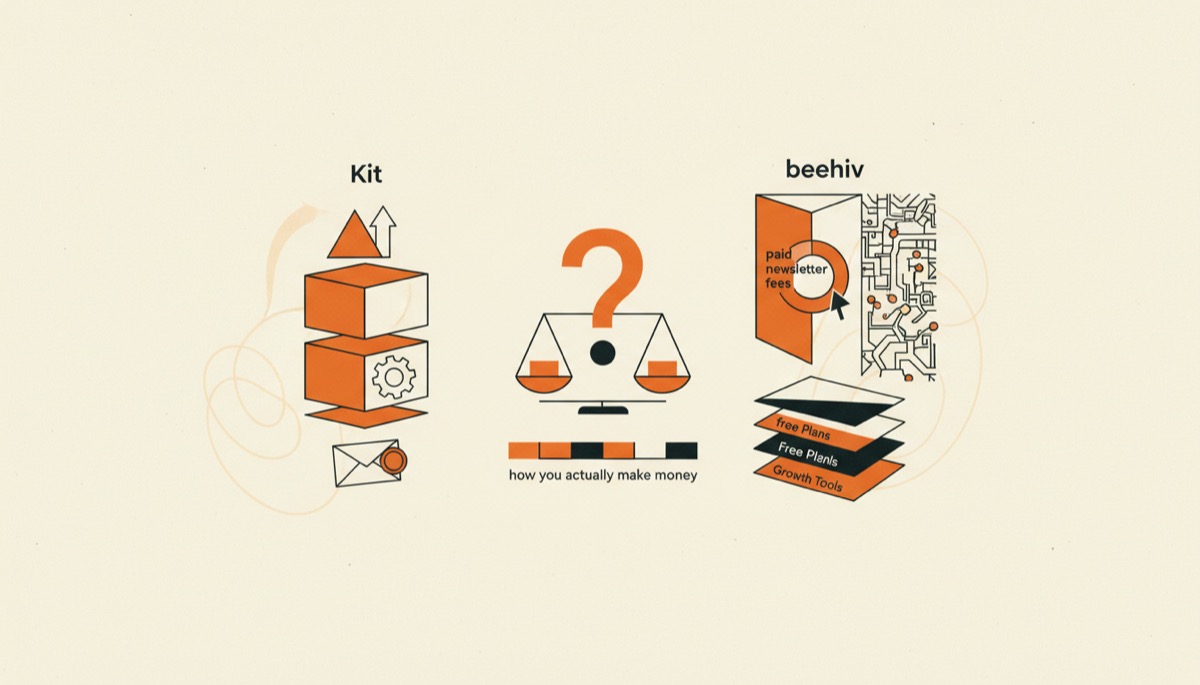
Kit vs beehiiv compared for creators: free plans, paid newsletter fees, automation depth, growth tools, and which one fits how you actually make money.