Podia Review: A Simple Storefront for Courses and Downloads
Honest Podia review: pricing, the 5% fee on the entry plan, what it does well for courses and downloads, and when Teachable or Systeme.io fits better.

Podia is the course platform we recommend to creators who want one clean storefront for courses, digital downloads, and coaching, and who would rather sell than fiddle with settings. It is not the cheapest option, it no longer has a free plan, and the entry plan takes a cut of every sale. But if simplicity is the thing you are buying, this Podia review will show you it delivers.
Bottom line
- Best for solo creators selling a few courses, templates, or downloads who want a website, checkout, and email in one login.
- The entry plan charges a transaction fee on top of the monthly price. Budget for the higher plan once sales are steady.
- If you need a free plan or deep funnel tooling, look at Systeme.io or Teachable instead.
What Podia is, in one paragraph
Podia is an all-in-one storefront. You get a hosted website with a custom domain, a checkout that accepts Stripe and PayPal, and product types for online courses, digital downloads, coaching sessions, webinars, and bundles. Email marketing is built in as an add-on that scales with your list size. There is no app store to manage and no theme marketplace to browse. You pick a product type, upload, set a price, and publish.
That narrow scope is the whole pitch. Podia is aimed at creators who sell a handful of products, not at course businesses running dozens of instructors and complex certifications.
Podia at a glance
| Podia | |
|---|---|
| Pricing model | Monthly subscription, two tiers (starts around $39/month on the entry plan, higher tier around $89/month, cheaper on annual billing) |
| Free plan or trial | No free plan. 30-day free trial. |
| Best for | Solo creators selling courses, downloads, and coaching from one simple site |
| Transaction fees | Entry plan: 5% per sale. Higher plan: 0%. Payment processor fees apply on both. |
| Standout feature | Everything (site, checkout, products, email) in one place with almost no setup |
| Weakest point | Limited customization, thin community and funnel tools, fee on the entry plan |
Prices move. Confirm the current numbers on Podia’s pricing page before you commit.
Pricing and the transaction fee
Podia used to have a free plan. It has since dropped it in favor of a 30-day trial, so you need to be ready to pay once the trial ends. Podia has also shifted the fee structure over time, so what you read in older reviews is likely out of date.
Right now the structure is: the entry plan (Mover) starts around $39/month and takes a 5% cut of each sale. The higher plan (Shaker) starts around $89/month with no Podia transaction fee. Stripe or PayPal processing fees apply on both.
Here is the math that matters. At $1,000/month in sales, the 5% fee costs you $50, which puts your real entry-plan cost around $89 anyway. At that point the higher plan is a wash and you get affiliate marketing and other extras with it. Below roughly $1,000/month, the entry plan is the cheaper choice. Above it, upgrade.
Email is priced separately based on subscriber count. It is free for a small list, then scales up. If you already pay for Kit or beehiiv, you can keep using them and skip Podia Email. See our Kit vs beehiiv comparison if you are choosing.
Start a 30-day Podia trial if you want to test the checkout with a real product before deciding on a plan.
How easy is it to build and launch?
This is where Podia earns its reputation. You can go from signup to a published course with a working checkout in an afternoon, with no plugins and no theme editing.
The site builder is a section-based editor. You stack blocks, pick colors and fonts, and Podia handles mobile responsiveness. Product pages follow a fixed structure: hero, description, pricing, FAQ. It looks professional out of the box, and that is the point.
The trade-off is control. If you want a pixel-perfect brand experience or a custom sales page layout, you will hit walls. Podia lets you add custom code on the higher plan, but this is not a platform for designers. It is a platform for people who want the design decision made for them.
Courses, downloads, coaching, and bundles
Podia treats every product type the same way: create it, price it, add it to your site. Here is how each holds up.
Online courses. Video hosting is included with no bandwidth caps advertised. You can drip lessons, set prerequisites, add quizzes, and issue completion certificates. Presale and waitlist options let you sell before content is finished. What you do not get is the deeper learning management that Thinkific or LearnWorlds offer, like graded assignments or SCORM. For a skills course sold to individuals, you will not miss it.
Digital downloads. Templates, ebooks, Notion kits, presets. Upload the file, set a price (including pay-what-you-want), done. Buyers get instant access in their Podia library. This is one of the smoothest download checkouts we have seen.
Coaching. Sell one-on-one sessions with a booking link. Podia integrates with scheduling tools rather than building its own calendar, which is fine.
Bundles and payment plans. Group products, offer installment plans, run coupons, and upsell at checkout. These are the levers that lift average order value, and they are all included.
Memberships and community. This is the soft spot. Podia has pared back its community tools compared with earlier versions, so if a Skool-style discussion space is central to your offer, check Podia’s current feature page and read our Skool vs Circle comparison. Recurring subscriptions for content access still work fine.
Marketing: email, affiliates, and what is missing
Podia Email covers broadcasts and simple automations tied to purchase behavior. You can send a sequence to new buyers, tag people who abandon checkout, and segment by product. It is not a full marketing automation suite, but it covers what most course creators actually send.
Affiliate marketing (letting other people promote your products for a cut) is included on the higher plan. That is a meaningful extra, since standalone affiliate tools cost $30 to $100 per month.
What Podia does not do well: multi-step funnels. There is no visual funnel builder, no order bump editor on the level of ThriveCart, and no A/B testing. Podia has a checkout, not a funnel engine. If your business runs on tripwires, upsell chains, and webinar funnels, you will outgrow it quickly.
Podia also has no built-in blog worth relying on. If content SEO is your traffic strategy, plan to run it on a separate site and send buyers to Podia.
Podia vs Teachable
Teachable’s entry plan is cheaper but adds a per-sale charge, and it has a bigger course feature set, and better student analytics. Podia is simpler, includes a full website, and handles downloads and coaching more gracefully.
Both entry paid plans charge around the same monthly price with a 5% transaction fee, so the cost comparison is close. The difference is scope: Teachable is a course platform first, with a storefront bolted on. Podia is a storefront first, with courses as one product type.
Pick Teachable if courses are your main product and you want deeper course tools. Pick Podia if you sell a mix of products and want the site handled for you. We go deeper in Podia vs Teachable.
Podia vs Systeme.io
Systeme.io is the free alternative that keeps coming up. It has a genuinely free plan, no transaction fees at any tier, a funnel builder, email automation, and courses, all in one.
So why pick Podia? Polish and simplicity. Systeme.io does more but feels busier, the templates are dated, and the course player is less refined. Podia looks better to your buyers with zero effort on your part.
If budget is the constraint, Systeme.io wins. If you want a product your customers experience as premium and you are willing to pay for that, Podia wins. Our Systeme.io review covers the full picture.
Who should pick Podia
- Creators selling a mix of products. Two courses, a template pack, and a coaching offer? Podia handles all three in one storefront without workarounds.
- People who hate setup. If the idea of choosing a theme, installing a checkout plugin, and connecting an email tool makes you close the laptop, Podia removes all of that.
- Creators with steady sales who can justify the higher plan. At that point there is no transaction fee, and affiliates plus custom code are unlocked.
- Anyone moving off Gumroad or a WordPress plugin stack who wants a cleaner buyer experience.
Who should skip Podia
- Pre-revenue creators. Paying around $39/month plus 5% before you have validated an offer is a poor trade. Start on Systeme.io’s free plan or a Teachable trial and move later.
- Funnel-driven sellers. If your revenue comes from tripwire funnels, upsell sequences, and split tests, use ThriveCart or Systeme.io. See our ThriveCart review.
- Community-first businesses. Podia’s community features are not the reason to choose it. Skool or Circle do that job better.
- Larger course academies with multiple instructors, cohorts, and compliance needs. Thinkific or LearnWorlds are built for that. Our roundup of the best online course platforms covers them.
FAQ
Does Podia still have a free plan?
No. Podia replaced its free plan with a 30-day free trial. After the trial you choose a paid plan, and the entry plan charges a 5% fee on each sale. Confirm the current terms on Podia’s pricing page since these details have changed more than once.
Does Podia take a cut of my sales?
On the entry plan, yes: 5% per transaction on top of Stripe or PayPal processing fees. On the higher plan, Podia takes 0% and you pay only processor fees. If you sell more than roughly $1,000 per month, the higher plan usually costs less overall.
Can I use my own domain and email tool with Podia?
Yes on both. Custom domains are supported on paid plans, and Podia integrates with Kit, Mailchimp, and others via native connections or Zapier. You can run Podia Email or keep your existing list, whichever you prefer.
Can I migrate from Teachable or Gumroad to Podia?
Yes. Podia offers free migration help for creators moving from other platforms, and courses and downloads transfer cleanly. Student accounts and purchase history are the tricky part, so ask Podia’s support about that before you move an active customer base.
Our verdict
Podia is the best choice for creators who value a clean storefront and fast setup over maximum control and maximum features. It is not free, and the entry plan’s 5% fee stings, but the time it saves is real. If you sell courses, downloads, or coaching and want to stop wrestling with tools, start your 30-day Podia trial, upload one product, and see if the simplicity fits how you work. If the fee or the missing funnel tools bother you, our Systeme.io and Teachable reviews above will point you elsewhere.
Tools mentioned in this article
Keep reading
Best Online Course Platforms for Creators
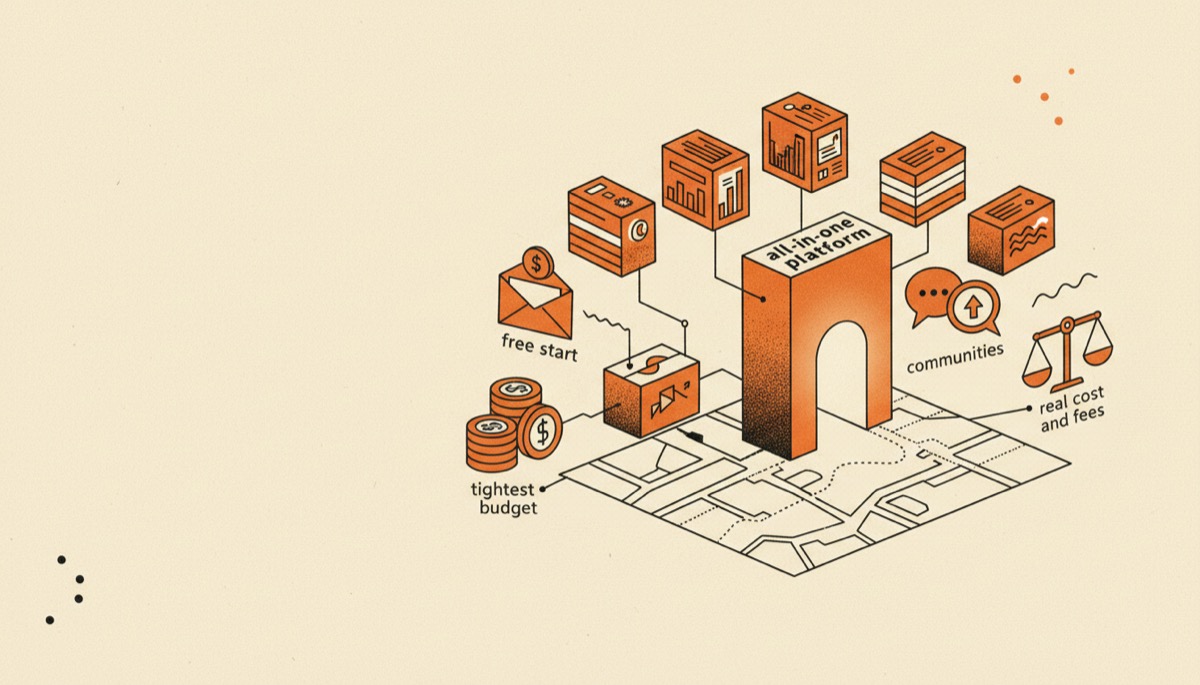
Seven course platforms compared by real cost and fees, with a clear pick for a free start, all-in-one, communities, coaching and the tightest budget.

Kajabi Review: Worth the Price, or Overkill?
An honest Kajabi review: what the all-in-one price really buys, which creators get their money back, and who should pick something cheaper instead.

Kajabi vs Teachable: Is All-in-One Worth the Price?
Kajabi costs several times what Teachable does. Here is exactly what the extra money buys, and the revenue level where it starts paying for itself.
LearnWorlds vs Kajabi: Teaching or Marketing?
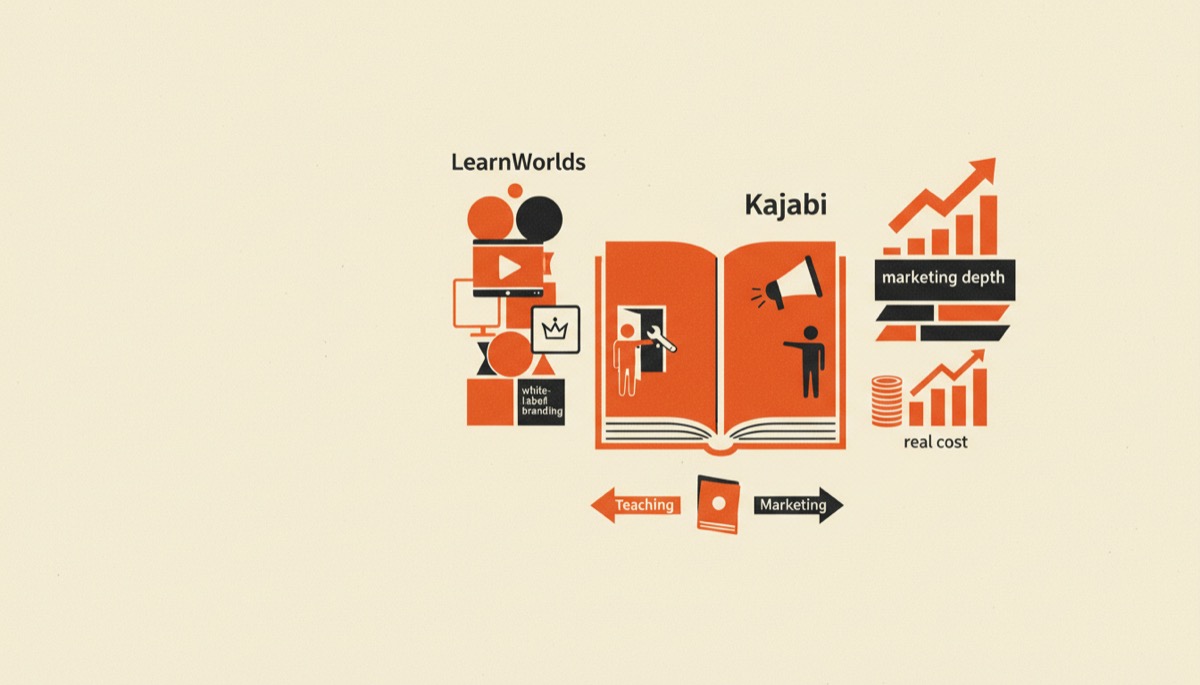
LearnWorlds vs Kajabi compared on white-label branding, interactive video, marketing depth and real cost, with a clear answer for each type of creator.