Teachable Review: The 7.5% Fee Changes Everything
An honest Teachable review covering the entry-plan transaction fee, product caps, what it does well, and the revenue point where it stops being cheap.
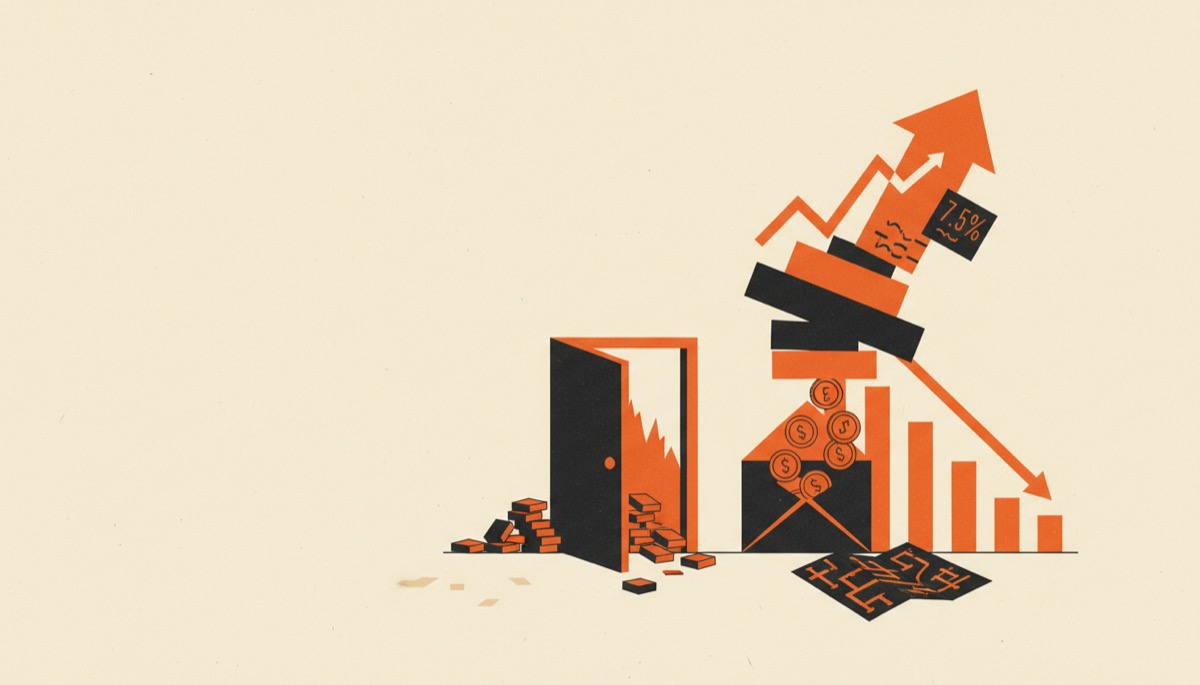
This Teachable review comes down to one number. Teachable’s cheapest plan charges a 7.5% transaction fee on every sale, and that single line decides whether the platform is a bargain or a slow leak.
Below roughly $500 a month in sales, Teachable is one of the cheapest credible ways to get a paid course live. Above it, the fee costs more than upgrading, and above that, more than competitors charge in total.
Bottom line
- Starter plan: cheapest entry in the category, but 7.5% of revenue goes to Teachable on top of card processing.
- Builder and above: 0% platform fee, and the price jumps to match.
- Best for testing an idea or selling coaching alongside a course. Weakest as a long-term home on the entry plan.
The pricing, and the fee that sits inside it
At last check the lineup runs roughly:
| Plan | Monthly | Annual | Platform fee |
|---|---|---|---|
| Starter | around $39 | around $29 | 7.5% |
| Builder | around $89 | around $69 | 0% |
| Growth | around $189 | around $139 | 0% |
| Enterprise | quoted | quoted | 0% |
Prices move. Confirm the current numbers on the Teachable pricing page before you plan around them.
Card processing sits on top of all of it — roughly 2.9% plus 30 cents per US transaction, more on international cards. That part is unavoidable on any platform.
The 7.5% is not. It is a platform cut that exists only on Starter, and it is charged in addition to processing. On a $297 course you hand Teachable about $22 per sale before Stripe takes its share.
Where the fee stops being worth it
The break-even is easy to calculate and worth doing before you sign up.
The gap between Starter and Builder is about $40/month on annual billing. At 7.5%, $40 of fees arrives at roughly $533/month in sales. On monthly billing the gap is $50, so the crossover is near $667.
Under that, Starter is genuinely the cheaper plan. Over it, you are paying Teachable more in fees than an upgrade would cost, and the fee keeps scaling while the subscription does not.
Run it at $3,000/month: Starter costs about $29 plus $225 in fees, so $254. Builder costs about $69 flat. You are burning $185 a month for nothing.
The honest framing is that Starter is a testing ground, not a home. Which is fine — just do not forget you are on it. Plenty of creators pay the fee for a year because nobody told them to check.
What Teachable is good at
Getting a paid product live fast. This is the real strength. Blank account to working checkout in an afternoon, with no plugins and no decisions you are not equipped to make yet. The setup path is shorter than almost anything else in the category.
Selling more than courses. Coaching products, 1:1 sessions with scheduling, digital downloads and bundles are native. Order bumps and upsells work without a separate cart. Teachable has quietly become a “sell my expertise” platform as much as a course platform, and it is better at that than most course tools.
Payments handled for you. Teachable:pay processes payments, handles payouts, and deals with EU VAT and US sales tax on digital products, which is a genuine administrative gift for a solo creator. Tax handling alone saves an ugly afternoon per quarter.
A student experience that does not need work. Clean player, sensible mobile behavior, no theme wrestling. Not distinctive, but nothing to fix.
An affiliate program included. You can recruit other people to sell your course without adding a tool, set their commission rate per product, and let Teachable handle the tracking and payouts.
Where Teachable falls short
Product and seat caps on the cheap plans. Starter allows a small handful of products and one admin. Builder raises it. Growth raises it again and adds more admin seats. Products count courses, coaching offers and downloads together, so a flagship course plus three mini-courses plus a template pack hits the Starter ceiling quickly.
Built-in email is thin. Broadcasts and simple sequences, yes. Real segmentation and behavior-driven automation, no. Plan on running a dedicated email platform once your list passes a few hundred people — see Kit vs beehiiv for that decision.
Page builder is basic. Serviceable templates and limited layout control. Fine for a straightforward sales page, annoying for anything with personality.
Course delivery is average. Video, text, quizzes, drip, certificates on higher tiers. No interactive video, no real cohort machinery, limited assessment depth. If teaching structure matters more than selling speed, Thinkific and LearnWorlds both go deeper.
Community is minimal. There is a basic discussion area. It is not a community platform, and pretending otherwise will disappoint your members. See best community platforms for creators if that is central to your offer.
No free plan. There is a short trial plus a 30-day money-back window, which functions as a longer test if you are willing to put a card down.
Who should use Teachable
- You have an idea and no proof yet, and you want the lowest monthly commitment to find out.
- You sell coaching or 1:1 work alongside a course and want both in one checkout.
- You would rather not think about VAT and sales tax on digital sales.
- You are running fewer than five products with one person on the account.
- You accept the 7.5% as the price of a cheap start and you have a calendar reminder to upgrade.
Start a Teachable trial if that describes you, and put one real offer in it this week.
Who should skip it
- You already sell consistently. Either start on Builder or pick a platform with no percentage at all — Thinkific charges no platform cut on any paid tier.
- You are shipping a lot of products. The Starter cap will land on you within months.
- Teaching depth is the point: cohorts, graded assignments, certificates as a core feature.
- Your brand needs a fully unbranded, custom learner experience.
- Community is the product rather than a bonus.
FAQ
Is the 7.5% fee on top of Stripe’s fee?
Yes. Teachable’s 7.5% is a platform cut on the Starter plan, charged in addition to ordinary card processing of roughly 2.9% plus 30 cents. Builder and above remove the platform cut entirely and leave only processing.
Does Teachable have a free plan?
No. You get a short free trial and a 30-day money-back guarantee on paid plans. If a free forever tier is a hard requirement, look at Systeme.io instead, which we cover in our Systeme.io review.
Should I start on Starter or Builder?
Start on Starter only if you have not sold yet. If you already have an audience that has bought from you before, go straight to Builder — you will cross the break-even in the first month or two and the fee is pure waste after that.
Teachable or Thinkific for a first course?
Teachable is cheaper to start and faster to launch; Thinkific never takes a platform cut and gives you more room to publish. Full breakdown in Teachable vs Thinkific.
Our verdict
Teachable is a good platform sold at a deliberately low entry price, with the difference collected out of your sales. Understand that trade and it is a smart first move. Ignore it and it quietly taxes your best months.
Use it the way it is designed to be used: open a Teachable trial, get one paid offer live, and watch the revenue line. The month you clear roughly $500 in sales, upgrade to the zero-fee tier or move to a platform that never charged one — either answer beats leaving 7.5% on the table.
Tools mentioned in this article
Thinkific
Course platform with a 30-day free trial and generous starter tier
course platformsTry ThinkificKeep reading
Best Online Course Platforms for Creators
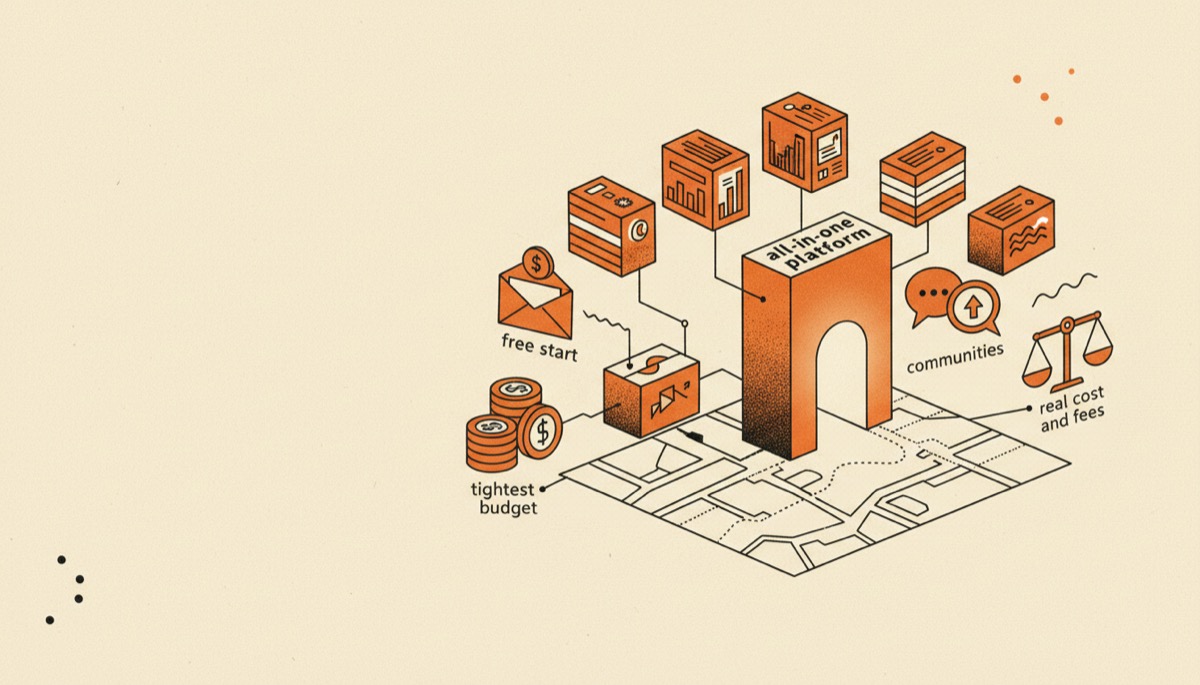
Seven course platforms compared by real cost and fees, with a clear pick for a free start, all-in-one, communities, coaching and the tightest budget.

Kajabi Review: Worth the Price, or Overkill?
An honest Kajabi review: what the all-in-one price really buys, which creators get their money back, and who should pick something cheaper instead.
Kajabi vs Teachable: Is All-in-One Worth the Price?
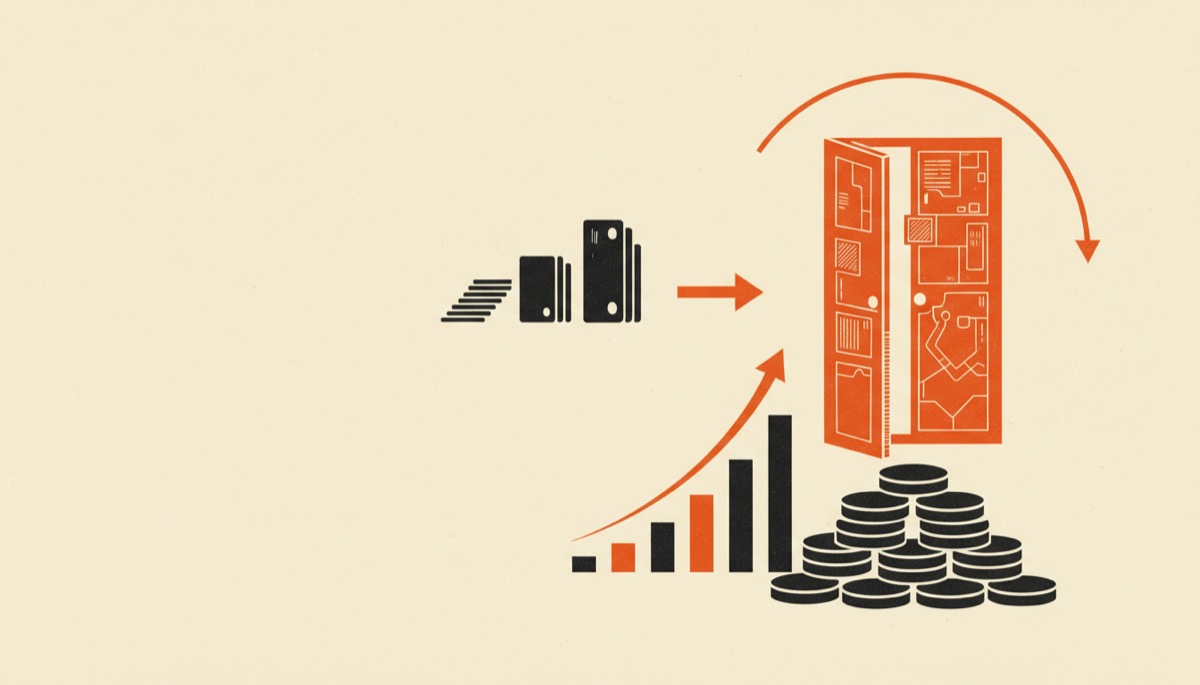
Kajabi costs several times what Teachable does. Here is exactly what the extra money buys, and the revenue level where it starts paying for itself.
LearnWorlds vs Kajabi: Teaching or Marketing?
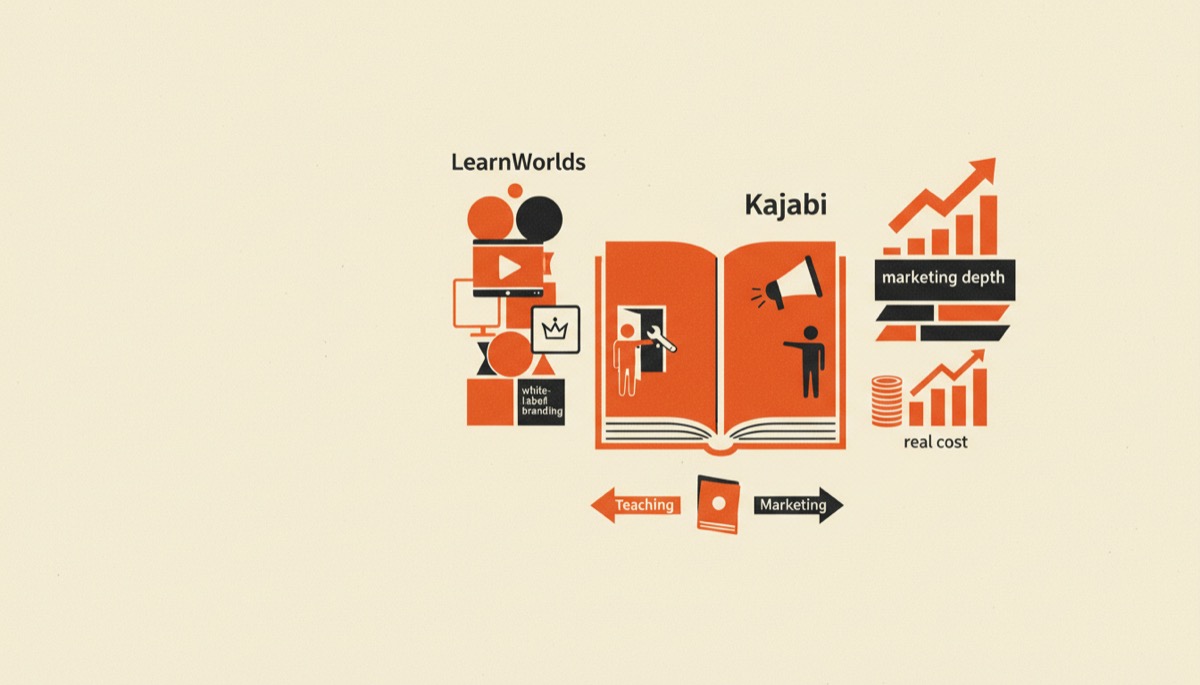
LearnWorlds vs Kajabi compared on white-label branding, interactive video, marketing depth and real cost, with a clear answer for each type of creator.