Skool vs Circle: Which Community Platform Wins?
Skool keeps paid communities dead simple. Circle gives you branding, spaces and automation. Here is how to pick the right one for your members.
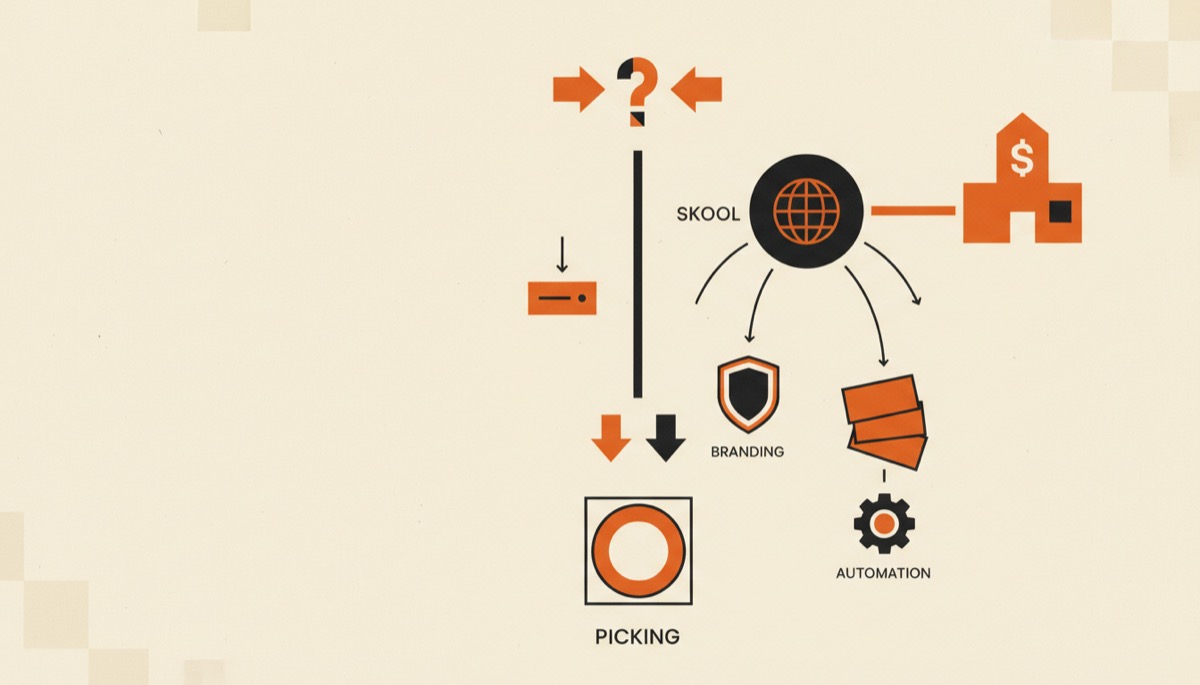
Skool vs Circle comes down to one question: do you want fewer decisions, or more control? Skool ships one opinionated layout that members understand in ten seconds and that reliably gets them posting. Circle gives you spaces, branding, workflows and a real API, and expects you to design the experience yourself.
Bottom line:
- Pick Skool if you sell a paid community with courses attached and you want engagement without configuration work.
- Pick Circle if the community is part of a larger brand, needs multiple sections for different segments, or has to integrate with the rest of your stack.
- Both charge a transaction fee on payments you take through the platform, so run the math on your actual monthly revenue before you choose.
Quick comparison
| Skool | Circle | |
|---|---|---|
| Pricing model | Flat monthly per community; a low-cost tier and a pro tier (roughly $9 and $99/month at last check) | Tiered monthly plans starting around $89/month, with higher tiers around $199/month and a custom top tier |
| Free plan / trial | 14-day free trial, no free plan | 14-day free trial, no free plan |
| Best for | Coaching groups, masterminds, one flagship paid community | Brands, agencies, memberships with several segments or internal cohorts |
| Transaction fees | Around 2.9% on the pro tier; the cheap tier trades a much higher cut (about 10%) for the lower monthly fee | Roughly 2% on the entry plan, about 1% mid-tier, lower on the custom tier |
| Standout feature | Gamified leaderboard and a single feed that actually drives daily posting | Spaces, granular permissions, workflows/automation and white-label options on higher plans |
| Weakest point | Almost no customization; you get Skool’s look and Skool’s structure | Higher floor price, and you have to design the information architecture yourself |
Prices and fee percentages move. Confirm on the Skool pricing page and the Circle pricing page before you commit.
The real difference is opinionated vs configurable
Skool is one screen. There is a community feed, a classroom area for courses, a calendar, and a members list. That is the product. New members do not need a tour.
Circle is a kit. You create spaces, group them, decide which are public and which are gated, choose whether each is a feed, a course, an events space or a chat channel, then style the whole thing to match your brand.
That difference explains most of the reviews you will read. Creators who wanted a community up on Friday love Skool. Creators building a product that has to look like their company love Circle.
Neither is a mistake. But choosing Circle and then not doing the design work leaves you with a paid product that feels unfinished, and choosing Skool and then wishing for a custom member portal leaves you rebuilding on another platform in six months.
Engagement: Skool’s leaderboard is not a gimmick
Skool gives members points for likes on their posts and unlocks levels as they earn them. It sounds trivial. In practice it is the single biggest reason Skool communities feel busier than their member count suggests.
The feed is also chronological and singular. There is nowhere else to post, so conversation concentrates instead of splitting across twelve half-dead channels.
Circle can absolutely be lively, but the liveliness comes from your moderation and your programming, not from the software. Circle gives you tools to notify, segment and schedule. Skool gives you a default behavior loop.
If you have never run a paid community before, that default matters more than any feature list. Start a Skool trial and watch what happens in the first week.
Courses: both do it, differently
Skool’s Classroom is a simple module list with video and text. It is enough to deliver a real curriculum, and it is included on every plan with no separate course product to buy. It is not a full learning platform: no quizzes worth the name, no certificates, no drip logic beyond basic unlocks.
Circle’s course spaces are more capable and sit alongside the community rather than behind a separate tab. You can gate lessons by member tag, run cohorts, and build a genuinely structured curriculum.
If the course is the product and the community is a bonus, you may be better served by a dedicated platform entirely. Our roundup of the best online course platforms covers that case, and Teachable vs Thinkific compares the two most common picks.
If the community is the product and the course is the on-ramp, both Skool and Circle are fine, and Skool is faster to launch.
Branding and ownership
This is Circle’s clearest win. On higher plans you can remove Circle branding, run the community on your own domain, use your own colors and typography, and on the top tier offer a branded mobile app. There is also an API and a headless option, so the community can be a component of a larger product rather than a destination you send people to.
Skool gives you a custom URL and a logo. That is roughly the extent of it. Every Skool community looks like a Skool community.
For a solo coach, that is a non-issue and arguably a benefit: the design is already tested. For a company selling a membership to enterprise buyers, it is a real objection you will have to answer.
Pricing math, done properly
Compare total cost, not sticker price. The formula is simple: monthly fee plus (transaction fee percentage × your monthly community revenue).
Skool’s two tiers exist to make that trade explicit. The cheap tier looks like a bargain until your revenue climbs, at which point the much larger cut exceeds the gap to the pro tier. The crossover sits in the low four figures of monthly revenue. Above that, pay the higher monthly fee.
Circle starts higher but takes a smaller cut, and the cut shrinks as you move up plans. For a community doing serious revenue, Circle’s entry plan can end up cheaper per dollar collected than Skool’s cheap tier.
Two things to remember. First, these platform fees sit on top of normal payment processing, not instead of it. Second, you can often avoid platform transaction fees entirely by billing through an external checkout and using the community only for access. That adds a moving part, but it is how many larger operators run it. A one-time-fee cart like ThriveCart is a common pairing for exactly this reason.
Who should pick Skool
- You are a coach, consultant or creator launching your first paid community and you want it live this week.
- Your offer is “community plus a course,” priced somewhere between $30 and $200 a month.
- Engagement is your biggest risk, and you want the platform to help rather than watch.
- You genuinely do not care that it looks like Skool.
Skool also wins on member experience for non-technical audiences. There is one place to look, and it works the same on mobile.
Who should pick Circle
- You already have a brand and the community has to live inside it.
- You need several distinct areas: a free tier, a paid tier, cohort spaces, maybe a private client space.
- You want automation: tag a member on purchase, add them to a space, trigger an onboarding sequence.
- You need an API, SSO, or a white-label app at some point.
Circle is also the better choice if you run multiple offers under one roof and need permissions to keep them separate without spinning up separate communities.
What we would actually do
Launching something new with no existing brand equity: Skool, pro tier, and put the energy into programming the first 30 days instead of into design.
Adding community to an established business with an email list and existing products: Circle, entry plan, wired into your email tool so purchases create access automatically. Pair it with Kit if you want the automation to be straightforward.
Either way, decide before you import members. Migrating a community is far more painful than migrating a course, because you lose the archive of conversation that made it valuable.
FAQ
Can I sell subscriptions directly inside both platforms?
Yes. Both handle recurring billing natively and take a percentage on top of payment processing. If you would rather keep 100% of the platform side, bill through an external cart and use the community for delivery and access only.
Does Skool or Circle have a free plan?
Neither. Both offer a 14-day free trial with no card required to start, and both expect a paid plan after that. If you need a genuinely free way to test a paid offer, a free funnel builder like Systeme.io can host the sales page and checkout while you validate demand.
Which one is better for a large community, say 5,000+ members?
Circle, in most cases. Unlimited members is standard on both, but at that scale you need segmentation, permissions and automation, and the lower transaction fee on Circle’s higher plans starts to matter in absolute dollars.
Can I move from Skool to Circle later?
Members and course content can be recreated, but the discussion history generally does not transfer cleanly. Treat the choice as semi-permanent and pick for where you expect to be in a year, not only for today.
Bottom line
Skool is the faster, cheaper, more engaging way to run one paid community, and it costs you control. Circle is the flexible, brandable, integratable option, and it costs you money and setup time.
Most solo creators should try Skool first — the trial is long enough to see whether your members show up. If your community is one piece of a bigger brand, or you already know you need spaces, workflows and white-labeling, start with Circle and build it properly the first time.
Tools mentioned in this article
Keep reading
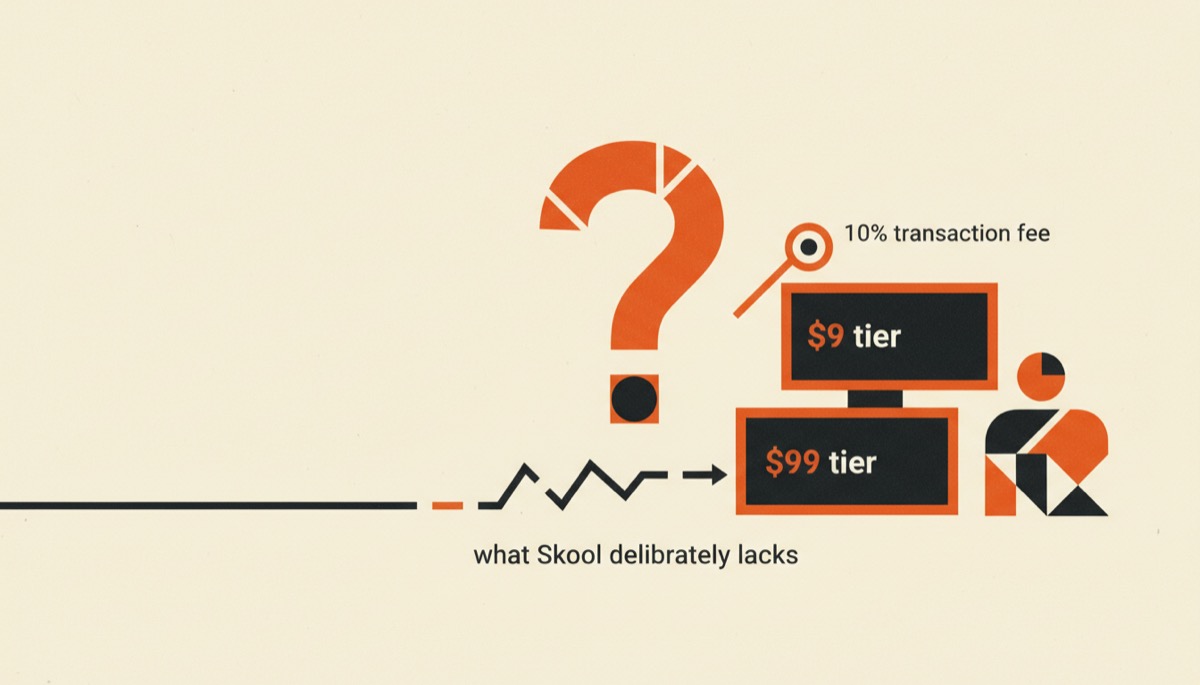
Skool Review: Two Plans, One Big Fee Question
An honest Skool review of the $9 and $99 tiers, the 10% transaction fee on the cheap plan, what Skool deliberately lacks, and who it actually fits.
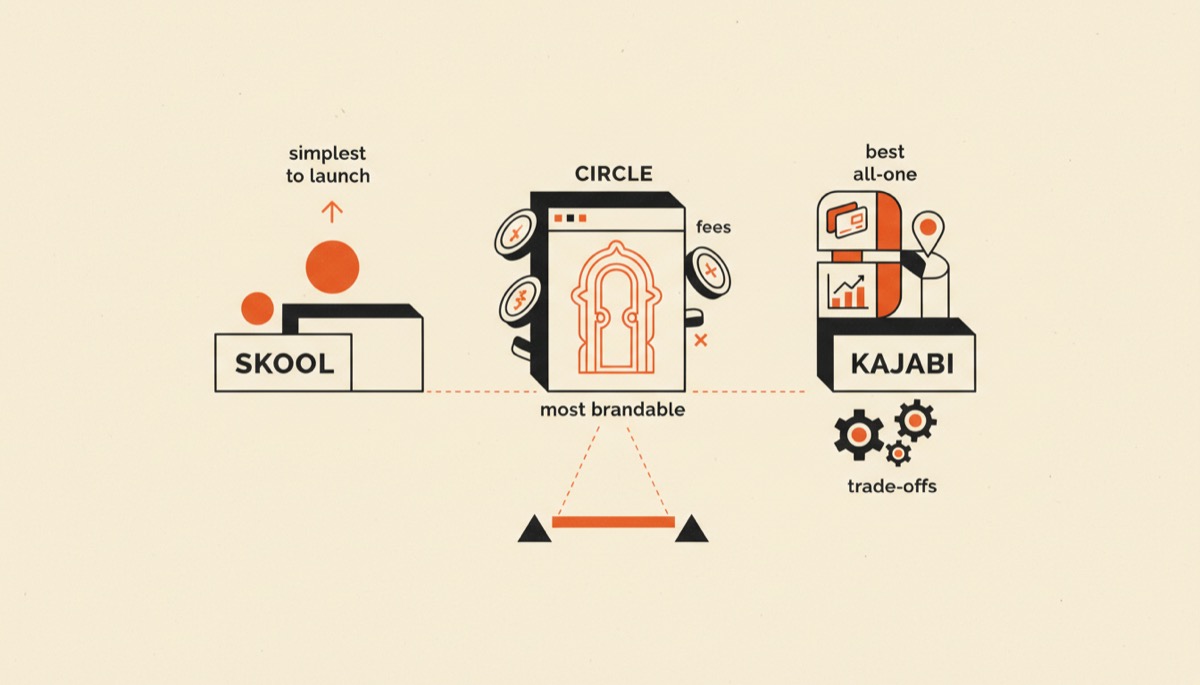
Best Community Platforms for Creators, Compared
Skool, Circle and Kajabi compared for paid communities: the simplest to launch, the most brandable, and the best all-in-one. Fees and trade-offs included.

Circle Review: Is a Branded Community Worth $89?
Circle is the most brandable community platform for creators, and the priciest. Here is what you get for the money, and who should skip it.